2011 – 2014 · an app for iPhone

A fast and simple way to share your message.

Quipio turned words and photos into little pieces of typographic art — quips — made to be shared. Its work is preserved here as a record of when typography got a send button.

featured globally by Apple on the App Store
Top 50 App Store rank reached in 12 countries
500 characters was all a quip needed
8 ways to send one flying, from Instagram to Weibo

The idea

Everyone had become a photographer. Words deserved a turn.

By 2011 the smartphone had put a camera, a darkroom and an audience in everyone's pocket. A photo could be shot, filtered and shared in under a minute — but the things people most wanted to say still traveled as plain, unloved text.

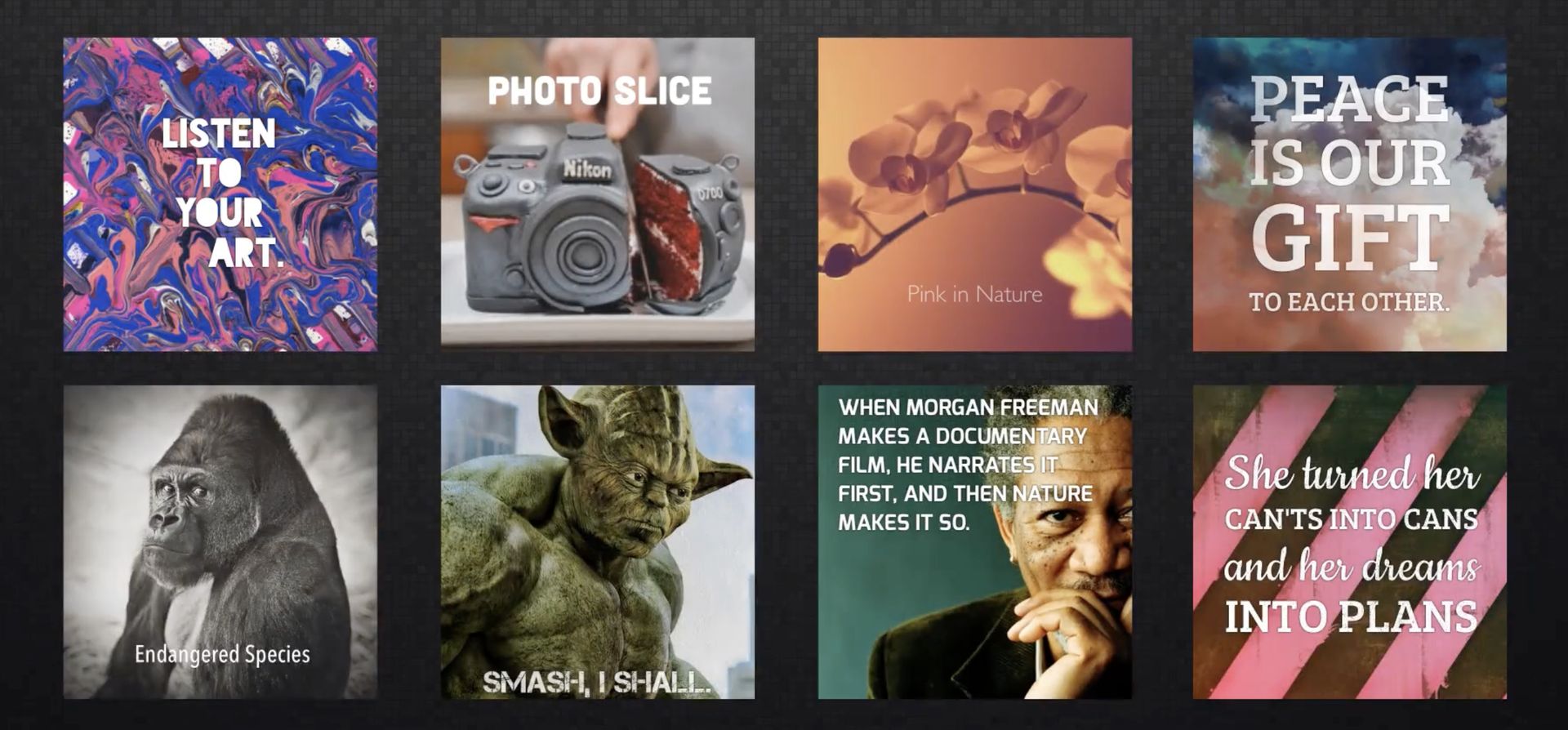
Quipio's bet was that words deserved the same craft. It made typography as effortless as a photo filter: type what you mean, tap the words that matter, choose a style, and out comes a quip — a quote, a joke, a recipe, a declaration — designed like something worth keeping.

Get a thought. Make it beautiful. Send it flying.

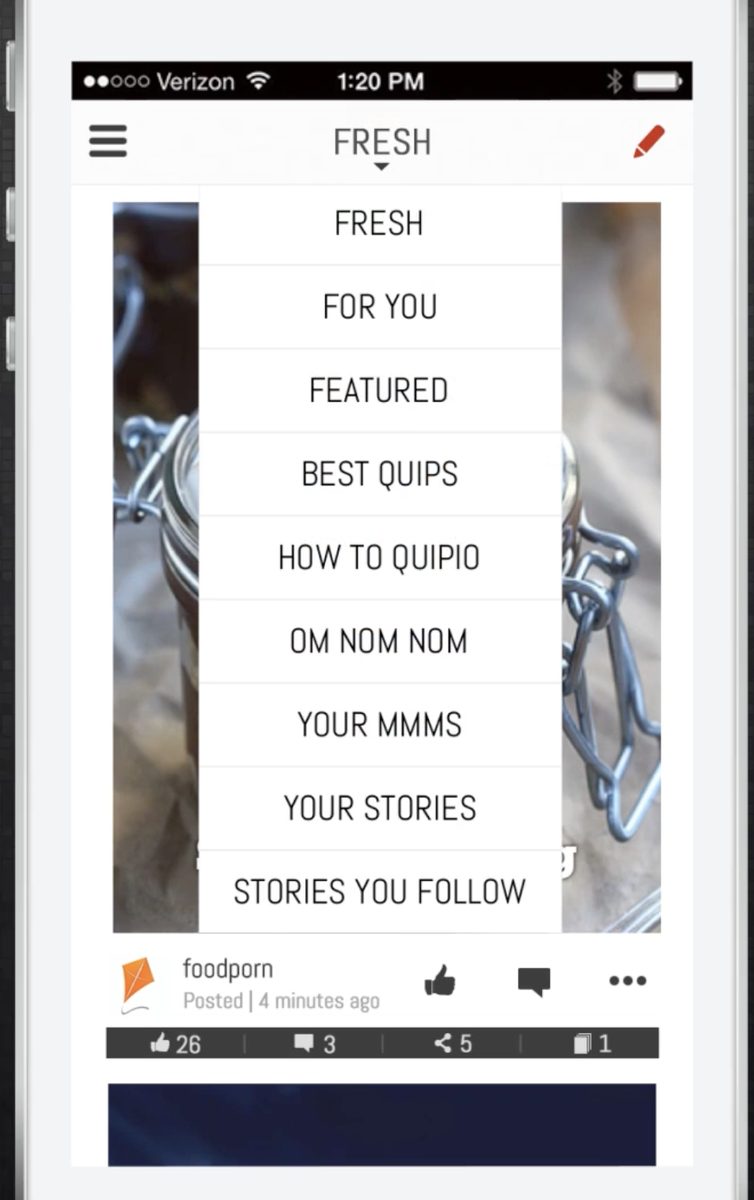
The red kite was the whole philosophy in one mark: something light, handmade and joyful, released to travel farther than you could throw it. Quips landed in the app’s own streams — Fresh, For You, Featured, Best Quips, and the food-only Om Nom Nom — where people liked, commented, and collected them into stories of their own.
The film

Self-expression, simplified — in sixty-two seconds

The original promo film, published August 2014.

How it worked

From thought to quip in four taps

  1. 1Start with anything

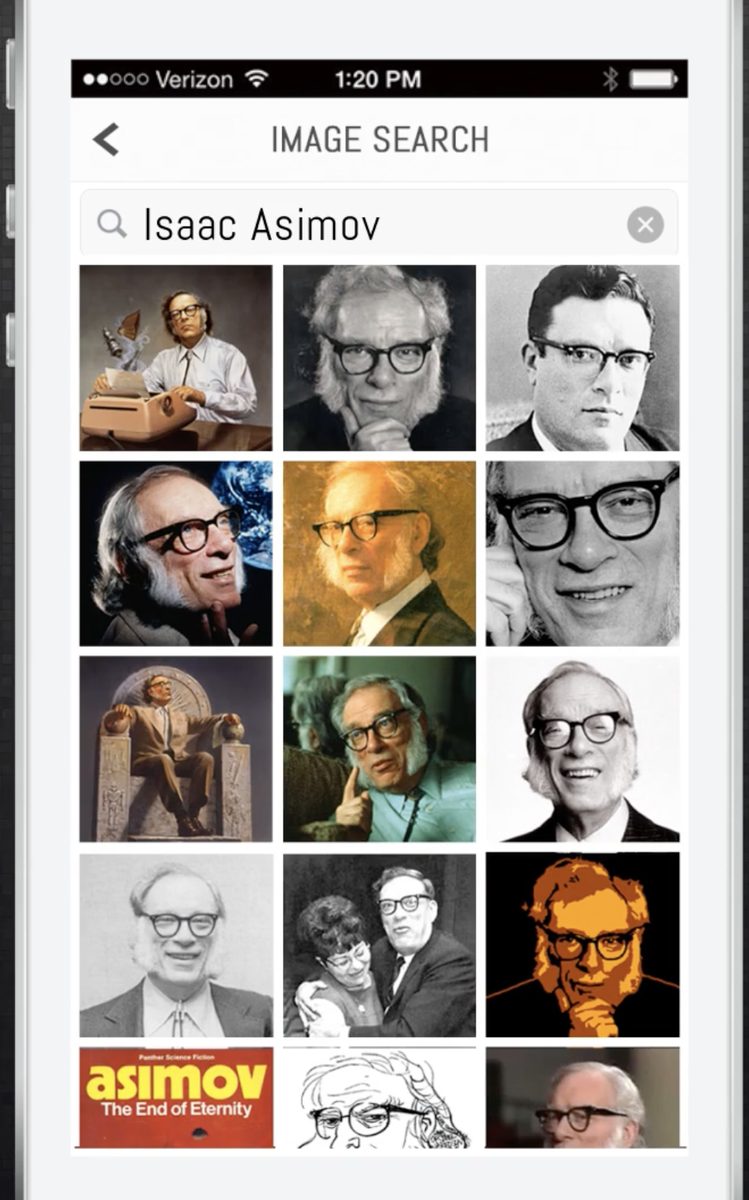
    A photo from the camera or library, a built-in image search when you needed the perfect Asimov portrait — or nothing but text on a clean page.

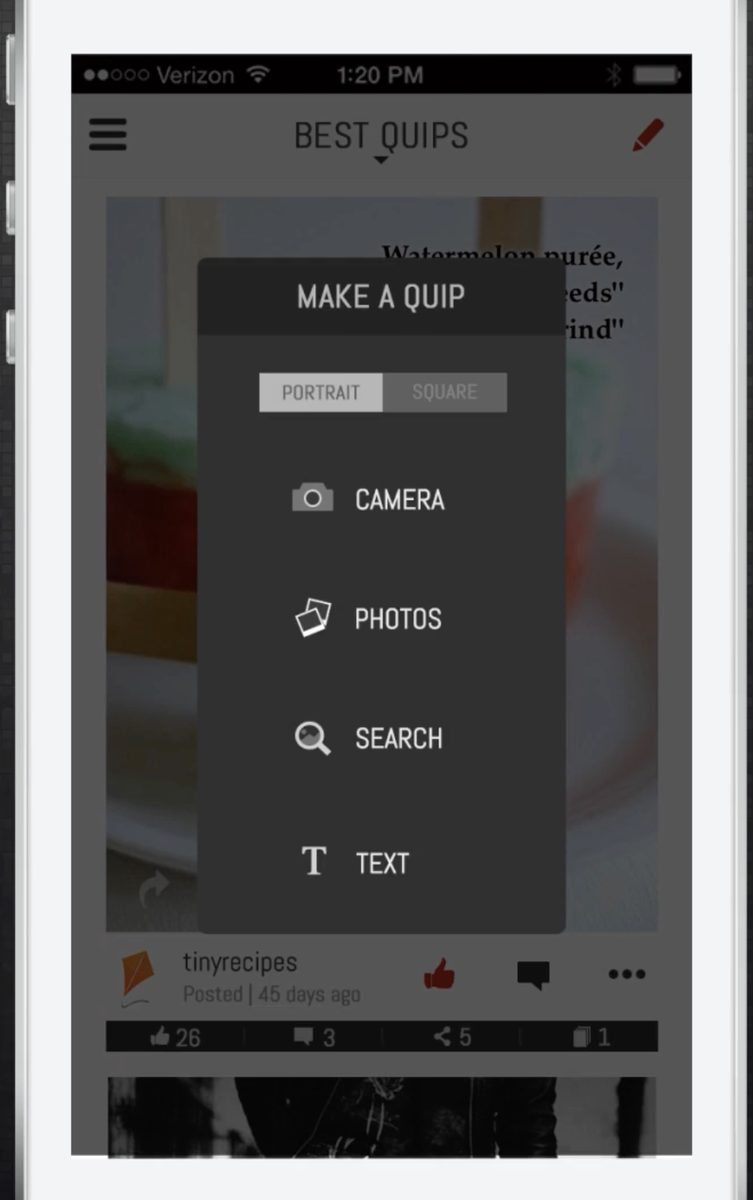
    The Make a Quip menu: portrait or square, from camera, photos, search, or text Built-in image search showing a grid of Isaac Asimov portraits
  2. 2Write, then point at what matters

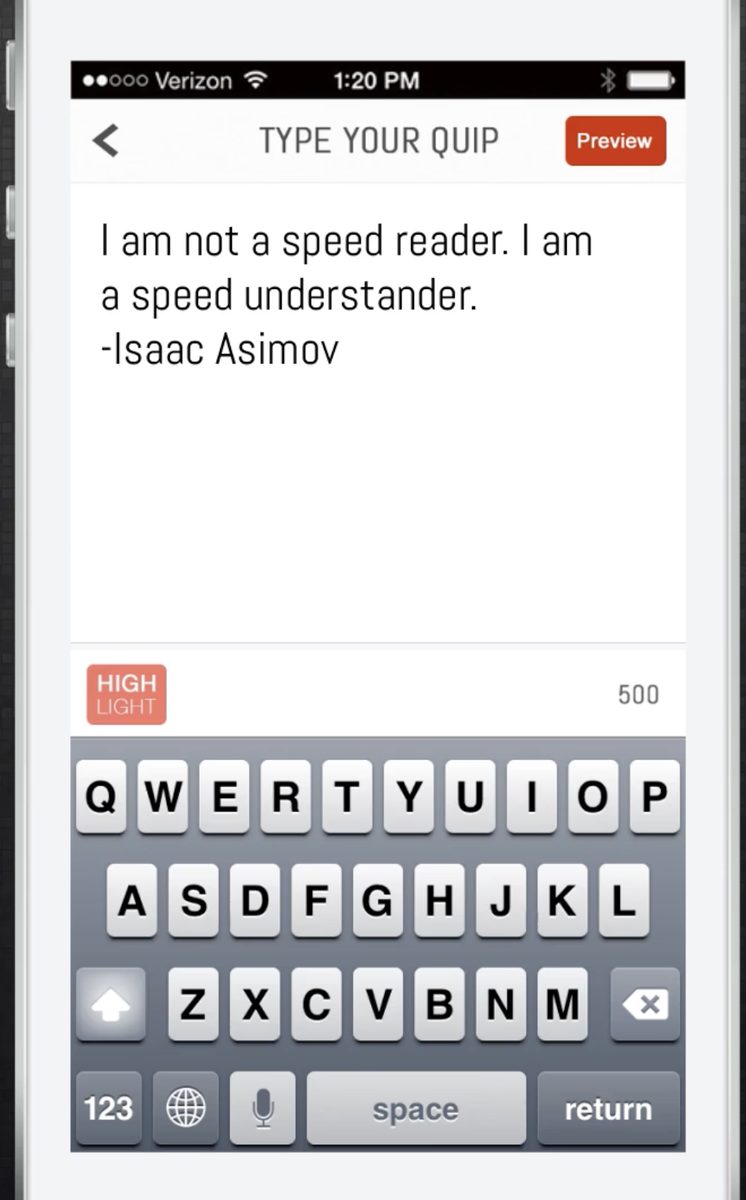
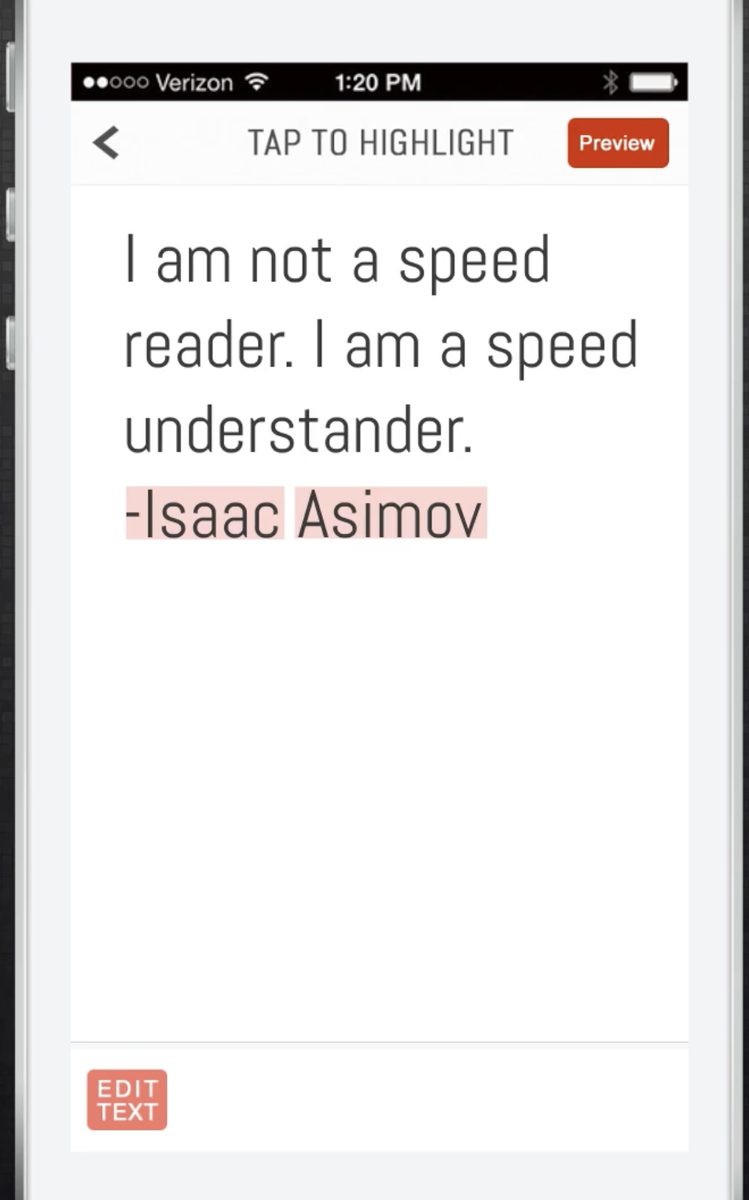
    Up to 500 characters. Then tap individual words to highlight them — Quipio’s styles knew to give those words the spotlight.

    Typing a quip: an Isaac Asimov quote on the Type Your Quip screen The Tap to Highlight screen with the words Isaac Asimov selected
  3. 3Pick a style

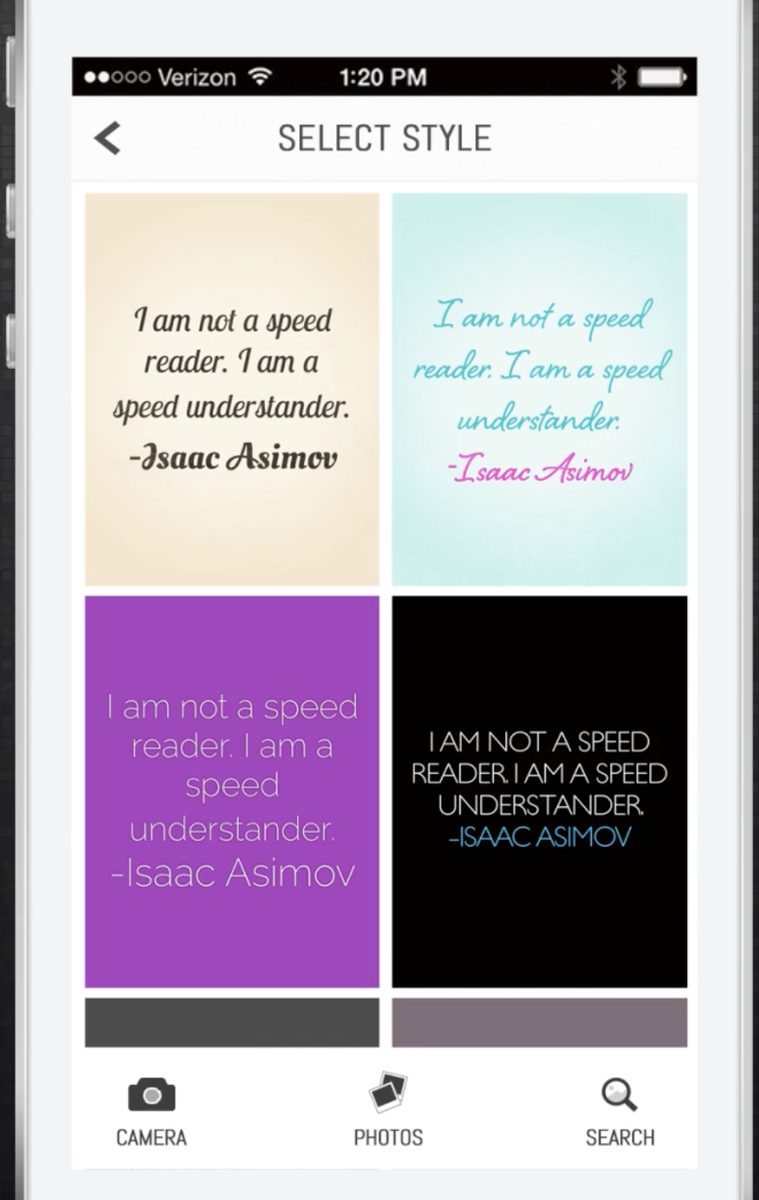
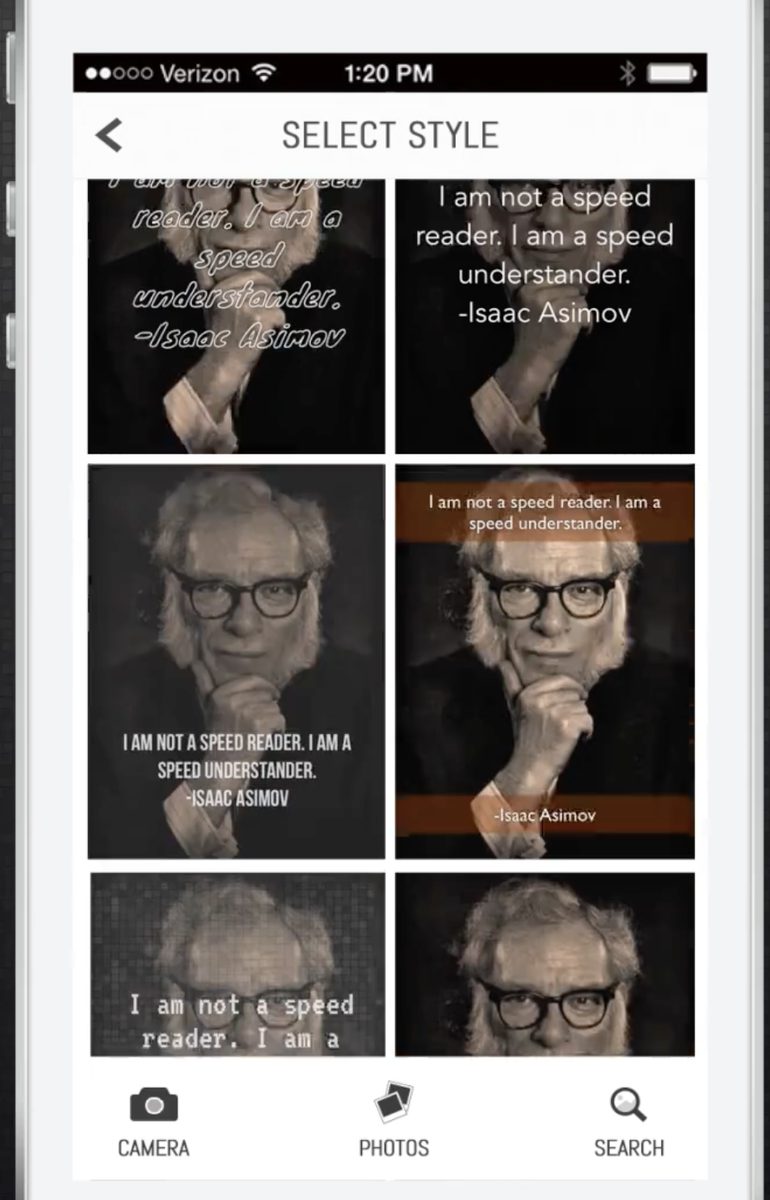
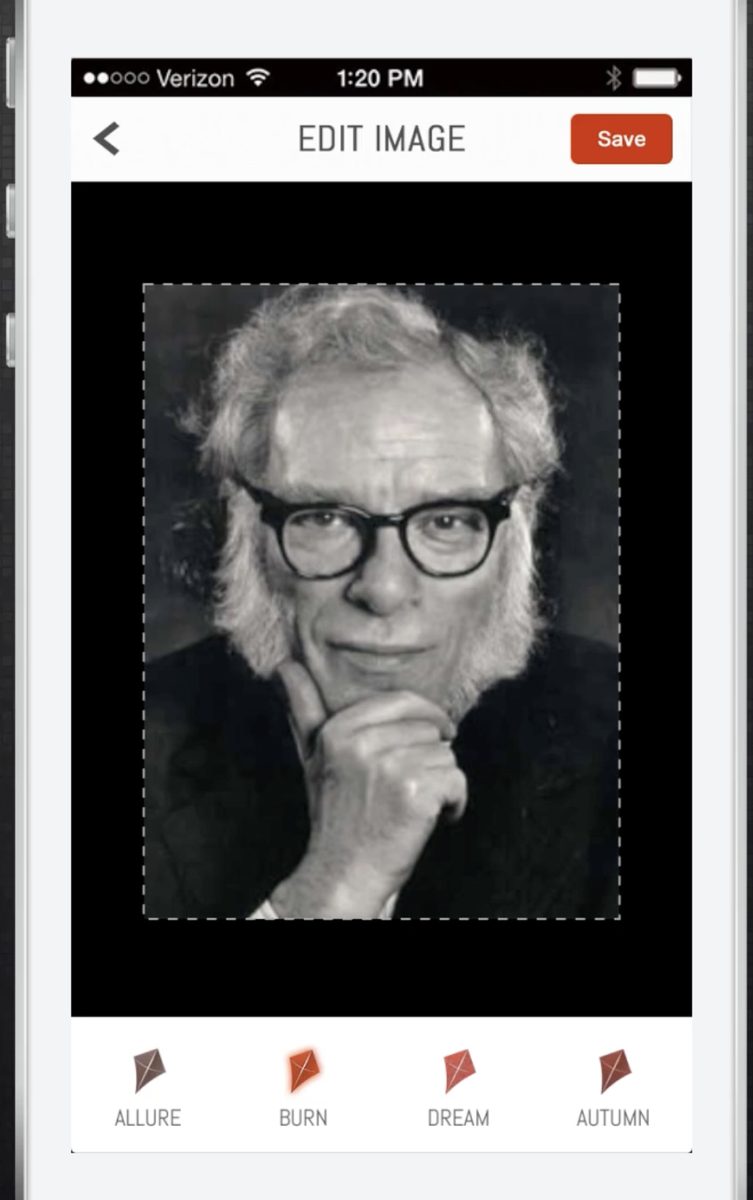
    Typographic themes for pure text; overlay styles for photos; and filters named after kites — Allure, Burn, Dream, Autumn. Every choice previewed live with your own words.

    Select Style: the same quote rendered in four typographic themes Select Style: the quote laid over a photo in six overlay styles Edit Image with kite-named filters: Allure, Burn, Dream, Autumn
  4. 4Send it flying

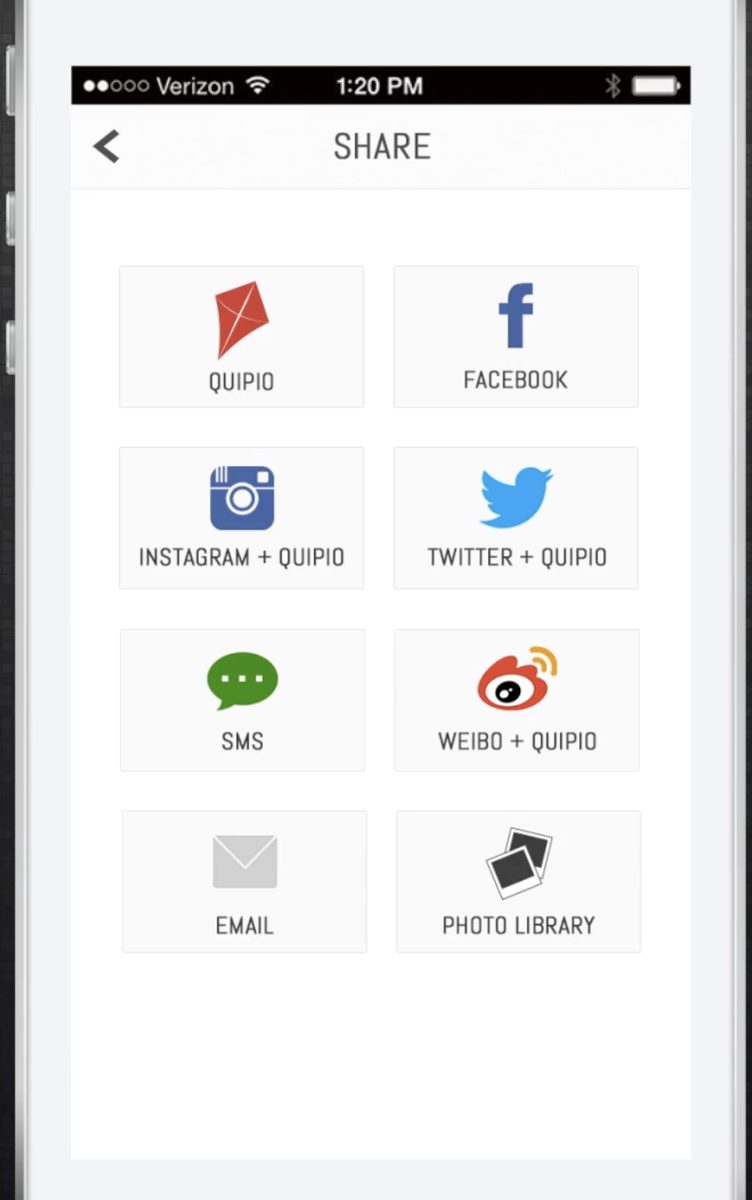
    Into Quipio’s streams, or out to Facebook, Instagram, Twitter, Weibo, SMS, email and the photo library — one quip, every audience.

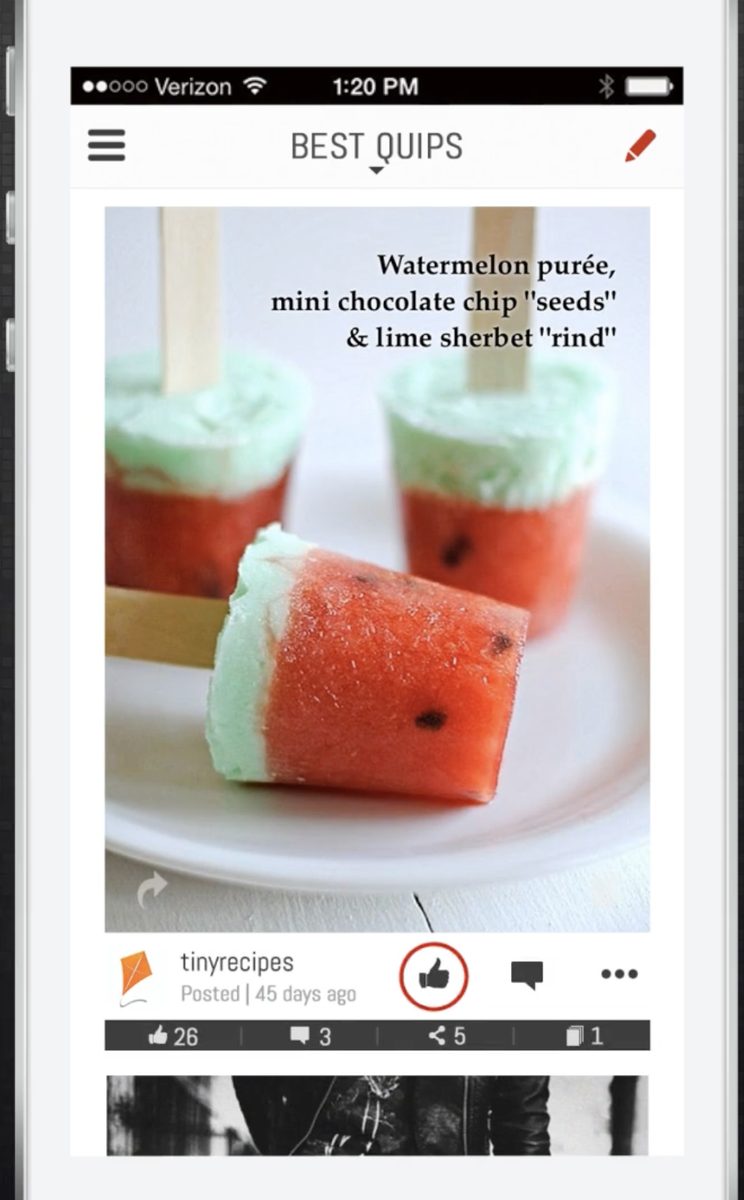
    The Share screen: Quipio, Facebook, Instagram, Twitter, SMS, Weibo, email, photo library A finished quip card in the feed with like, comment, share and collect counts

The community

Streams, quipped daily

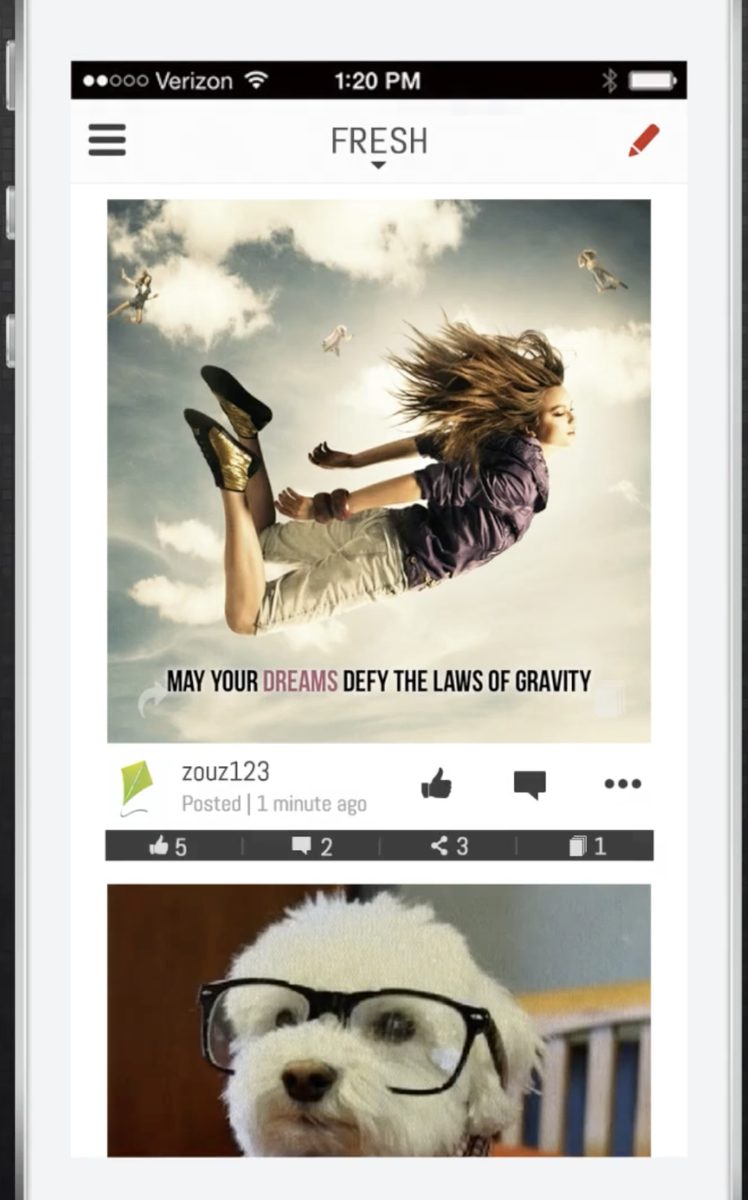
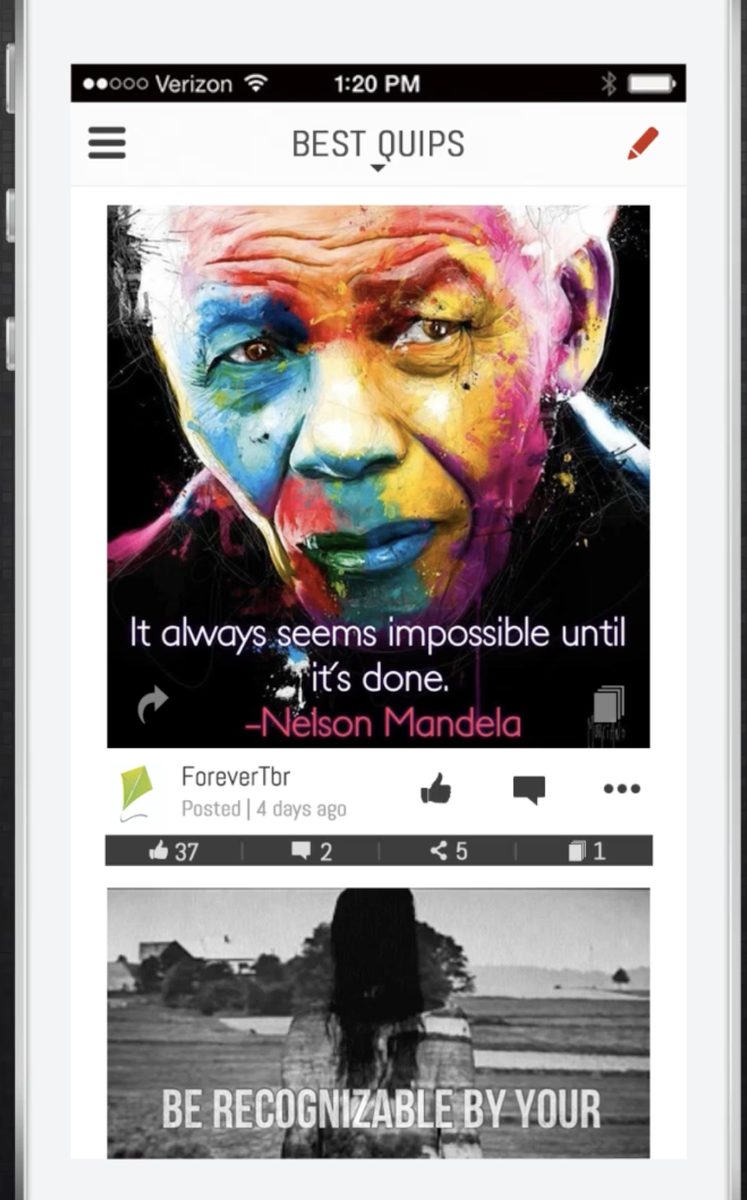
Fresh for the newest, For You for the personal, Best Quips for the keepers, Om Nom Nom for lunch. Quips were liked, commented on, shared onward — and collected, like a scrapbook of things worth saying.

The Fresh stream: a quip reading 'May your dreams defy the laws of gravity'
The Fresh stream
Best Quips: a painted Mandela portrait reading 'It always seems impossible until it's done'
Best Quips
The stream picker: Fresh, For You, Featured, Best Quips, How to Quipio, Om Nom Nom, Your Mmms, Your Stories
Every stream, one tap away
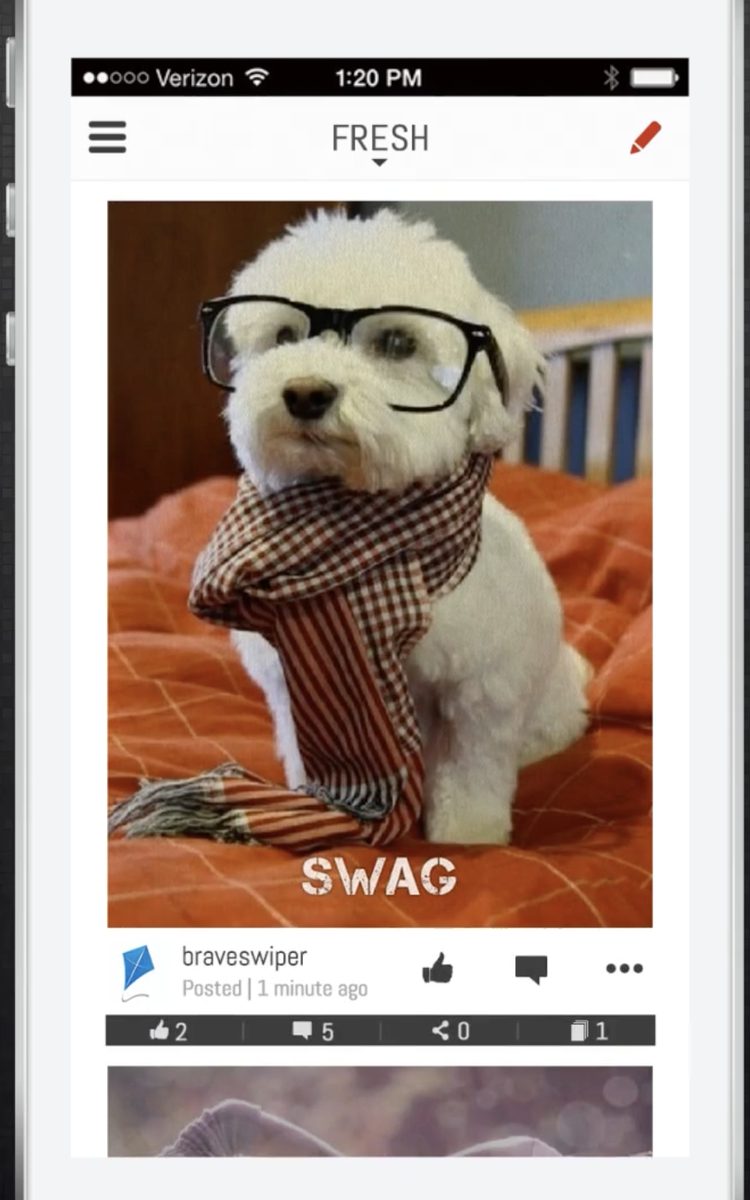
A quip of a dog in glasses and a scarf, captioned SWAG
High culture, obviously
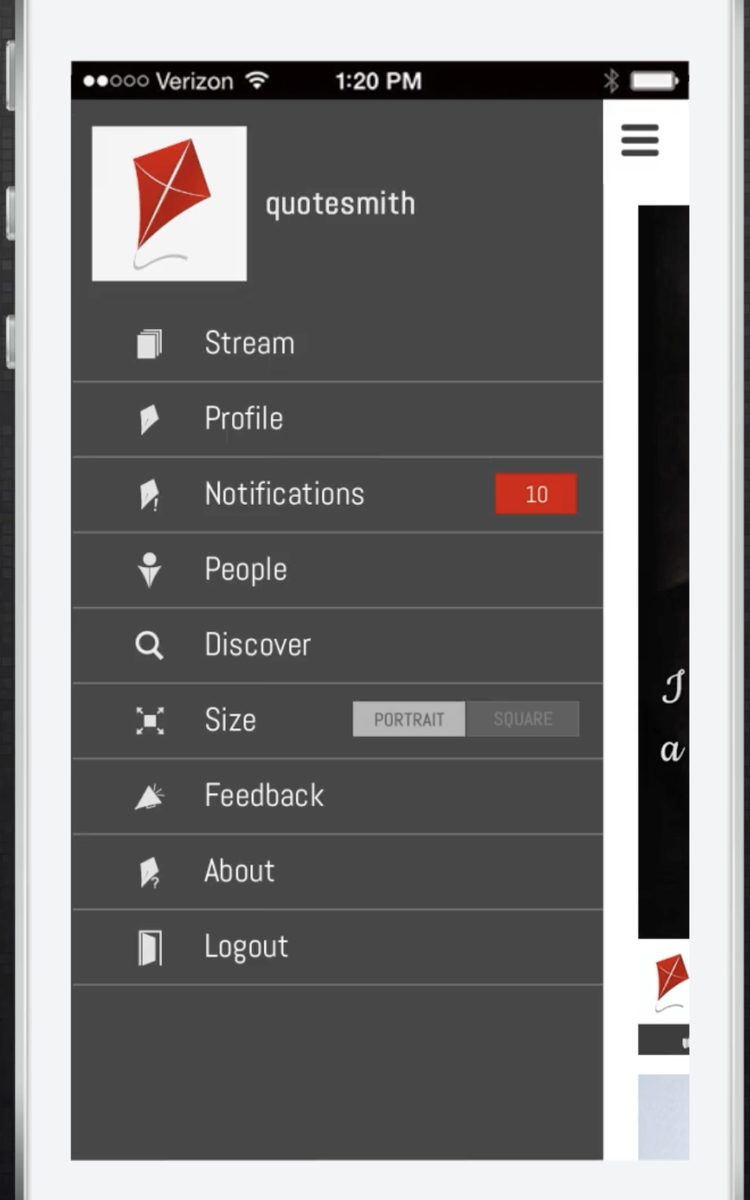
The side menu: stream, profile, notifications, people, discover, size, feedback
Home base
The Quipio splash screen: the kite over a wall of words — love, art, creativity, wisdom — in many languages
Loved in many languages
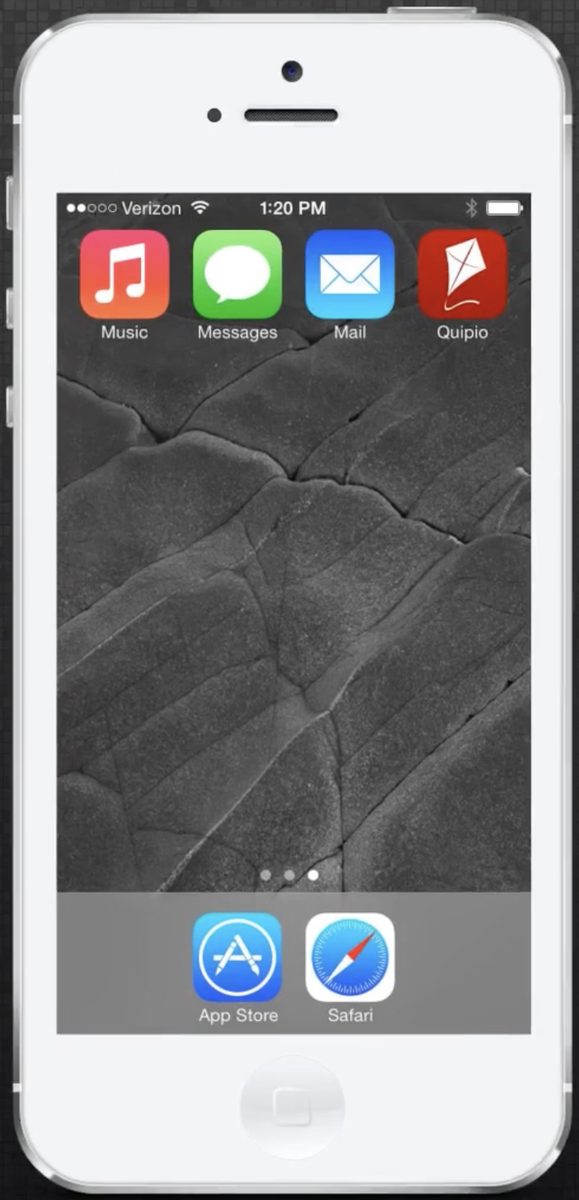
An iPhone home screen with Quipio beside Music, Messages and Mail
At home next to Messages

Recognition

Noticed along the way

Featured around the world by Apple. Twice.

A top-50 app in twelve countries.

Team

The people

The same lab also built CiviGuard, preserved at civiguard.com.